

Label Printer Maintenance Tips for Long-Lasting Performance
Proper label printer maintenance is essential to keep your printer running smoothly, reduce downtime, and extend its lifespan. Whether you use a commercial label printer or a heavy-duty industrial label printer, regular care ensures your labels remain clear and your workflow stays efficient. This guide will cover practical tips, from cleaning to troubleshooting and ribbon replacement, helping you get the most out of your printer. Suppliers like Archford provide quality industrial printers and accessories that make maintenance easier.
Introduction
A well-maintained label printer reduces errors, improves print quality, and saves money on repairs. Many businesses underestimate the importance of industrial printer care, which can lead to faded labels, jams, or even complete printer failure. By following a structured maintenance routine, you can keep your printer performing at its best and avoid unexpected downtime.
Understanding Your Label Printer
Before diving into maintenance, it’s important to understand the type of printer you’re using:
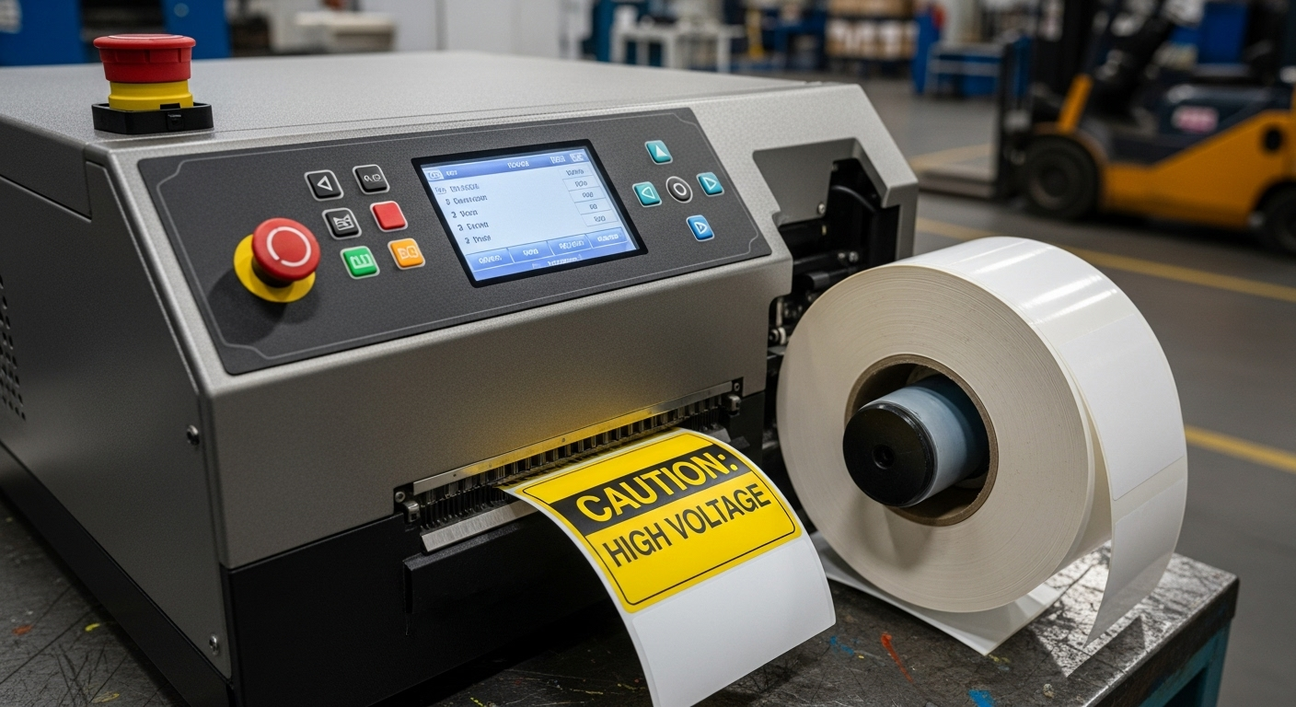
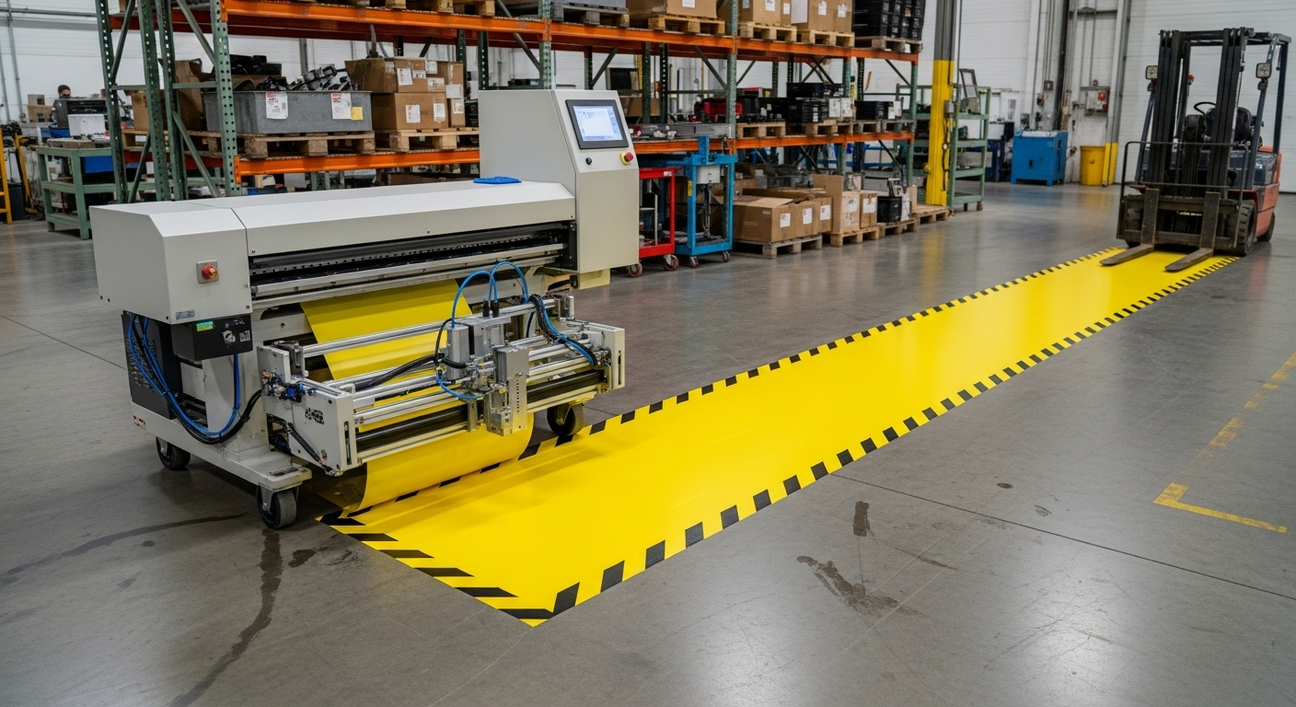
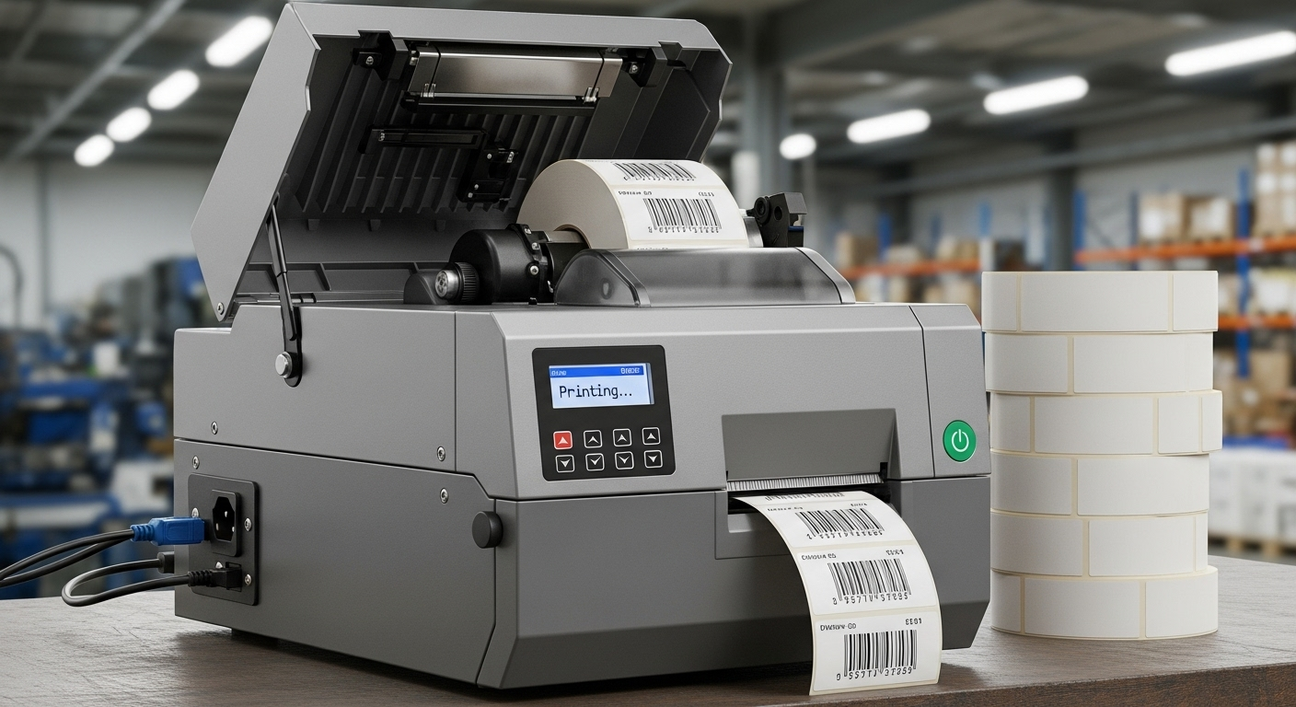
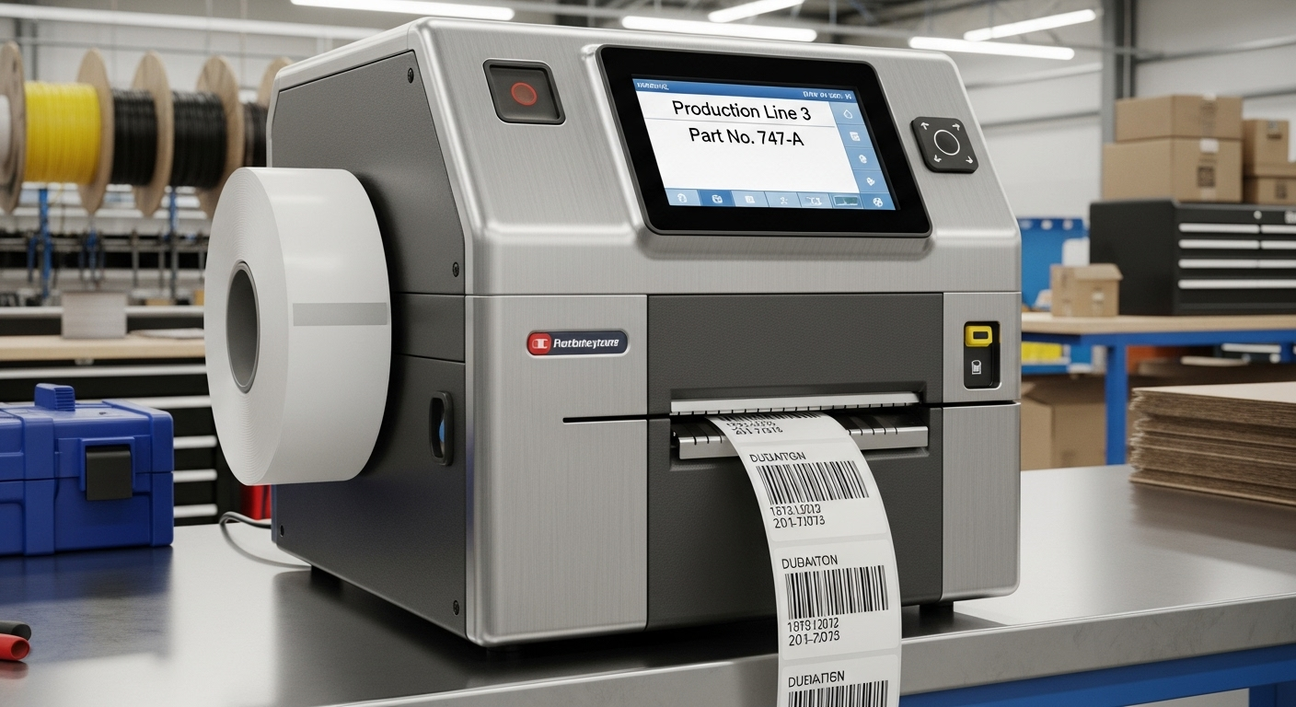
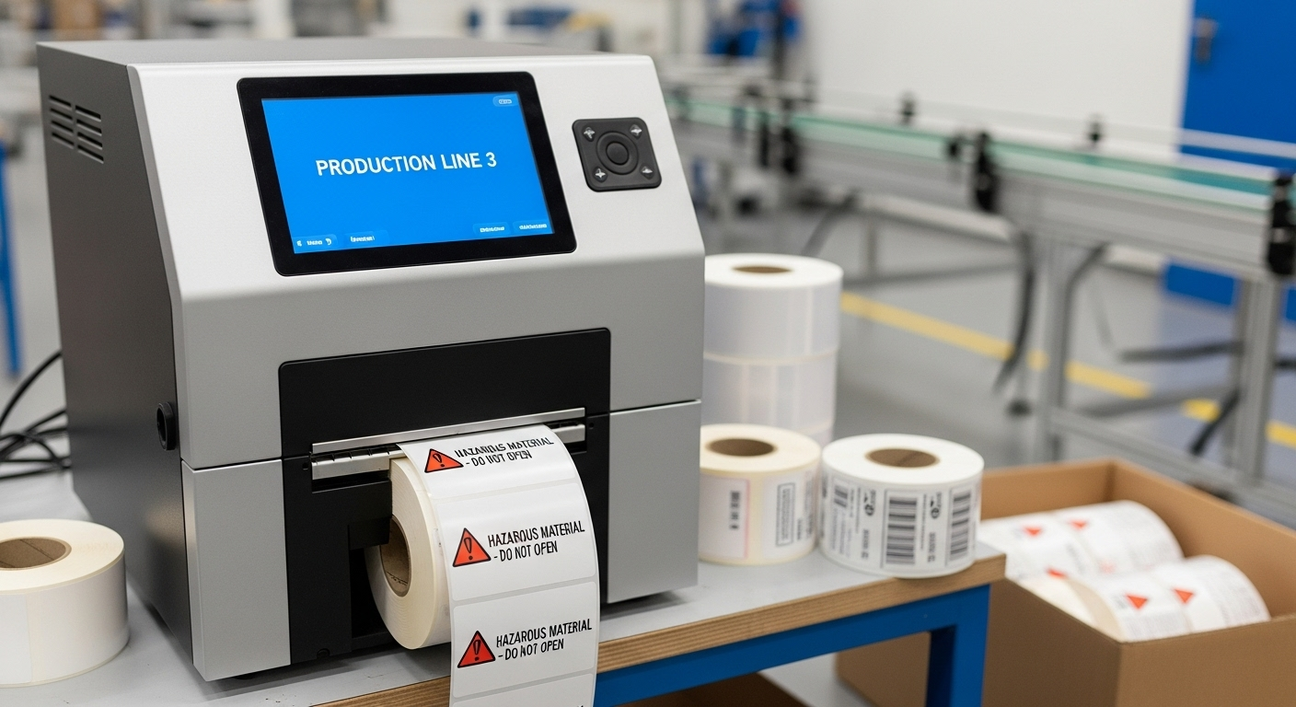
Industrial label printers – Designed for high-volume, durable label printing in warehouses and factories.
Commercial label printers – Suitable for lower-volume operations in offices or retail settings.
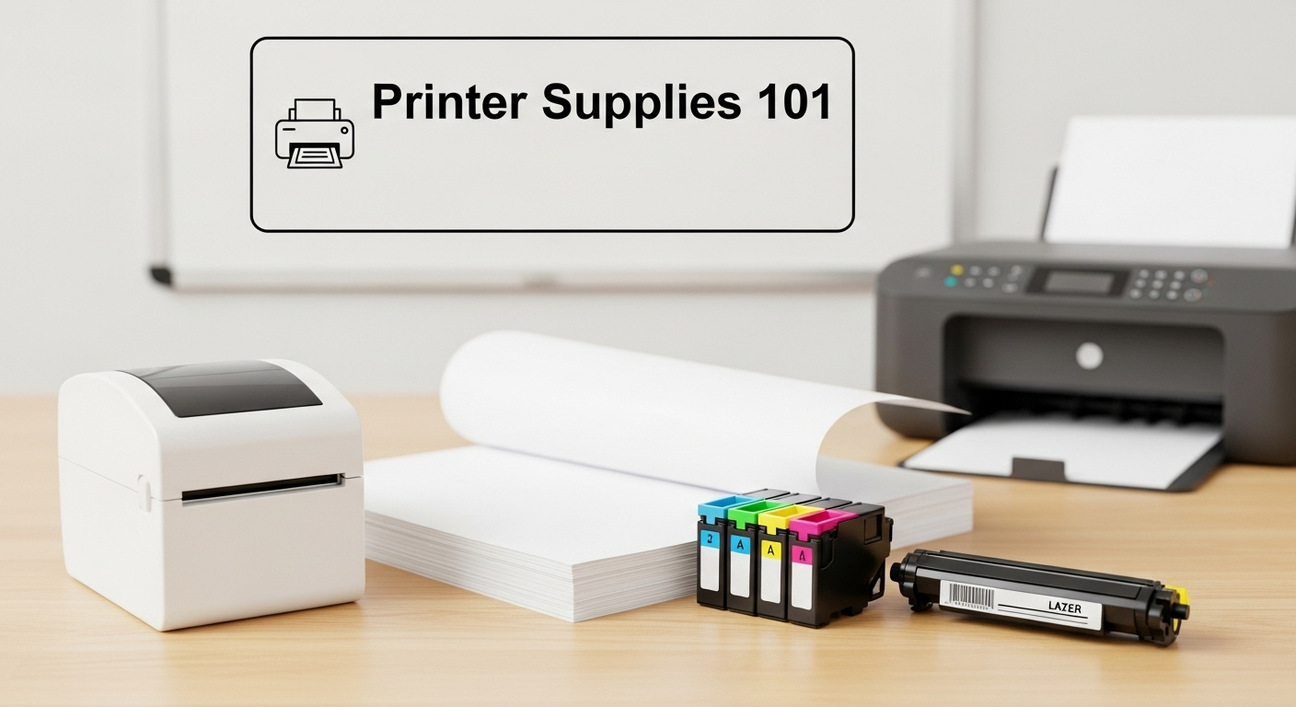
Desktop printers – Compact printers for small-scale labeling needs.
Key components that require care include the print head, rollers, sensors, and ribbon mechanisms. Knowing your printer’s structure helps with targeted maintenance.
Regular Cleaning Tips
Cleaning your printer is one of the simplest yet most effective ways to extend its life:
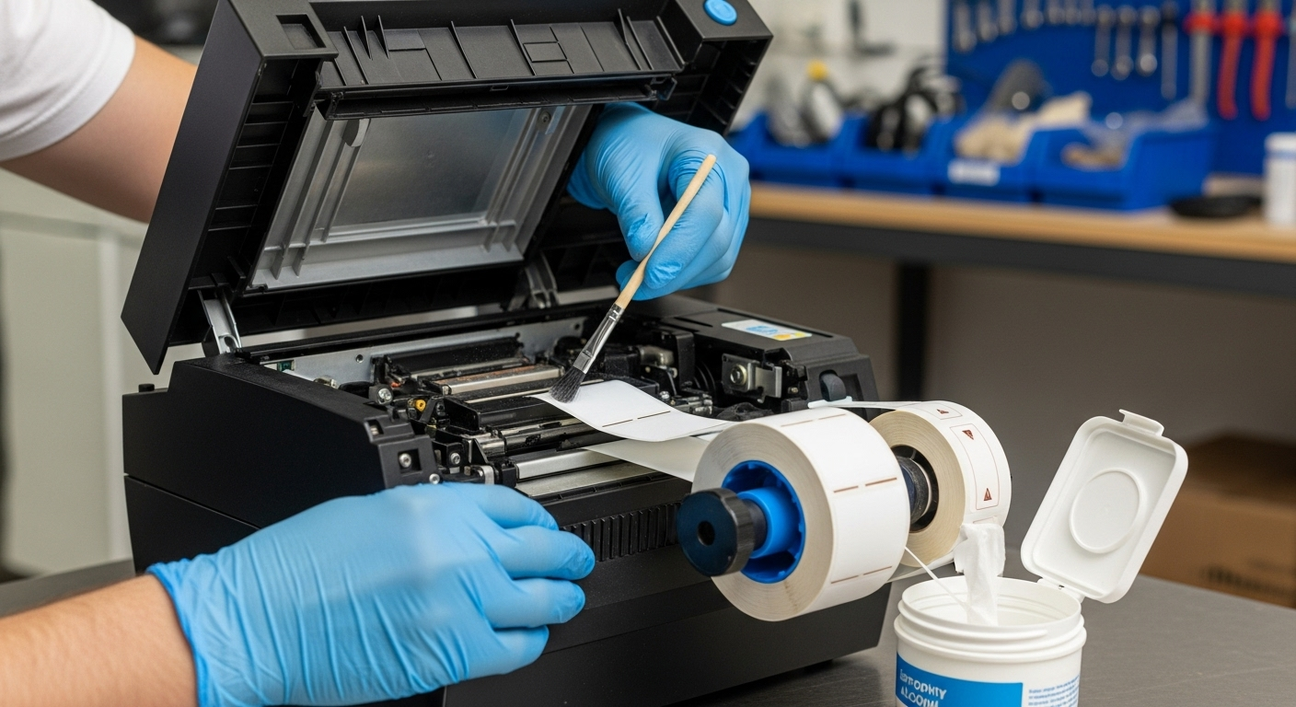
Print Head Cleaning – Use recommended cleaning pens or wipes to remove residue. A clean print head ensures clear, sharp labels.
Rollers and Platen Cleaning – Dust and debris can cause misaligned labels or print streaks. Wipe these surfaces regularly.
Sensor Cleaning – Dust on sensors can lead to skipped labels or error messages. Use a soft cloth or compressed air to clean them.
Routine printer cleaning tips prevent common issues and maintain high-quality prints over time.
Replacing Consumables Properly

Using the right consumables and replacing them correctly is critical:
Ribbon Replacement – Always use high-quality ribbons compatible with your printer. Improper installation can damage the print head.
Label Roll Replacement – Ensure labels are loaded properly to avoid jams or misprints.
Worn-Out Parts – Replace worn rollers, print heads, or platen rollers as needed to maintain performance.
Proper industrial printer care includes following manufacturer guidelines for consumables to avoid costly repairs.
Software and Firmware Updates
Keeping your printer’s software and firmware up to date can improve performance:
Updated drivers ensure your printer communicates correctly with your system.
Firmware updates can fix bugs and improve label quality.
Many printers allow automatic updates through the manufacturer’s website.
Regular updates reduce the risk of errors and support smooth printing operations.
Preventing Common Printer Issues
Regular maintenance helps avoid frequent problems such as:
Misaligned Labels or Print Jams – Often caused by dust, improper loading, or worn rollers.
Faded or Inconsistent Prints – Usually due to a dirty print head or low-quality ribbon.
Error Messages – Can be caused by software issues or sensor malfunctions.
Understanding printer troubleshooting basics can save time and prevent production delays.
Environmental Factors
The environment where your printer operates affects its longevity:
Place printers in clean, dry areas away from dust and moisture.
Avoid exposure to direct sunlight or extreme temperatures.
Maintain stable conditions for industrial label printers in warehouses or production lines.
A proper environment reduces wear and tear, ensuring consistent performance.
Professional Servicing
Even with regular care, professional servicing is sometimes necessary:
Schedule routine maintenance for industrial printers to check internal components.
Technicians can replace worn parts, recalibrate the printer, and perform deep cleaning.
Professional support ensures minimal downtime and extends printer life.
For businesses in Australia, suppliers like Archford offer professional servicing support alongside their range of industrial printers.
Tips for Extending Printer Lifespan
Here are practical tips for daily, weekly, and monthly maintenance:
Daily: Wipe print head, rollers, and sensors; check label alignment.
Weekly: Inspect ribbons and consumables; remove accumulated dust.
Monthly: Run test prints, check software updates, and clean internal components.
Train staff on proper handling to avoid damage.
Store spare parts and ribbons in a dry, safe place.
Following these steps ensures a durable label printer performs reliably for years.
Final consideration

Consistent label printer maintenance is key for smooth operations, clear labels, and long-lasting performance. By cleaning, replacing consumables properly, updating software, and considering professional servicing, you can reduce downtime and maintain a high-quality print output. Incorporating these industrial printer care practices ensures your printer remains a reliable part of your business workflow.
FAQs
1. How often should I clean my label printer?
Daily or weekly cleaning of the print head, rollers, and sensors keeps your printer running smoothly and avoids common issues.
2. How do I perform ribbon replacement properly?
Always use high-quality ribbons compatible with your printer and follow the manufacturer’s instructions to prevent print head damage.
3. What are common issues that require printer troubleshooting?
Misaligned labels, print jams, faded prints, and error messages are the most common problems in industrial and commercial printers.
4. Can environmental factors affect printer performance?
Yes. Dust, moisture, heat, and direct sunlight can damage printers and reduce label quality.
5. When should I schedule professional servicing?
If your printer shows recurring errors, worn parts, or print quality issues, professional servicing ensures long-lasting performance.